You can fix this by following the steps below.
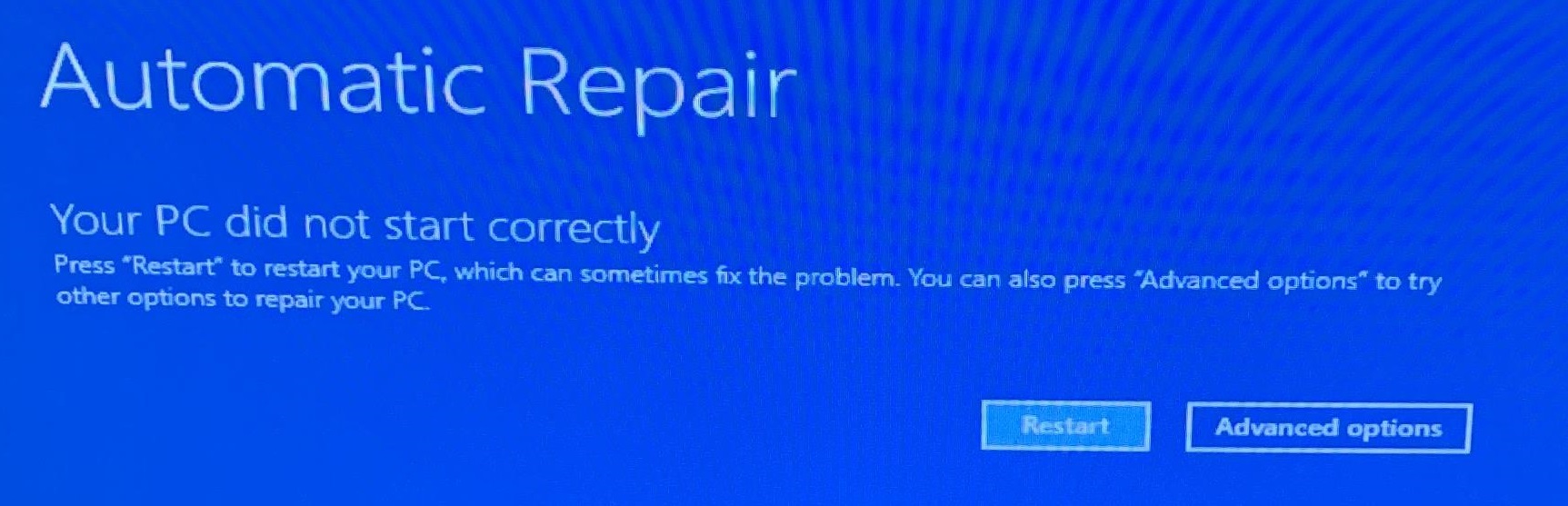
- Click on Advanced Options
- Troubleshoot
- Advanced Options
- Startup Settings
- Restart.
- Once the device reboots, you'll be prompted to choose from several boot options.
- Select option 4 to boot into Safe Mode or option 5 to boot into Safe Mode With Networking.
- Once the computer boots to safe mode, reboot.